RoadKidz Motorparts and Accessories
Message Us Online
Get instant Replies on Messenger
Call Us
+63 912 345 6789
Visit Our Shop
Metro Manila, Philippines
Store Hours
Mon-Sat: 9AM-7PM | Sun: 10AM-5PM
Cart
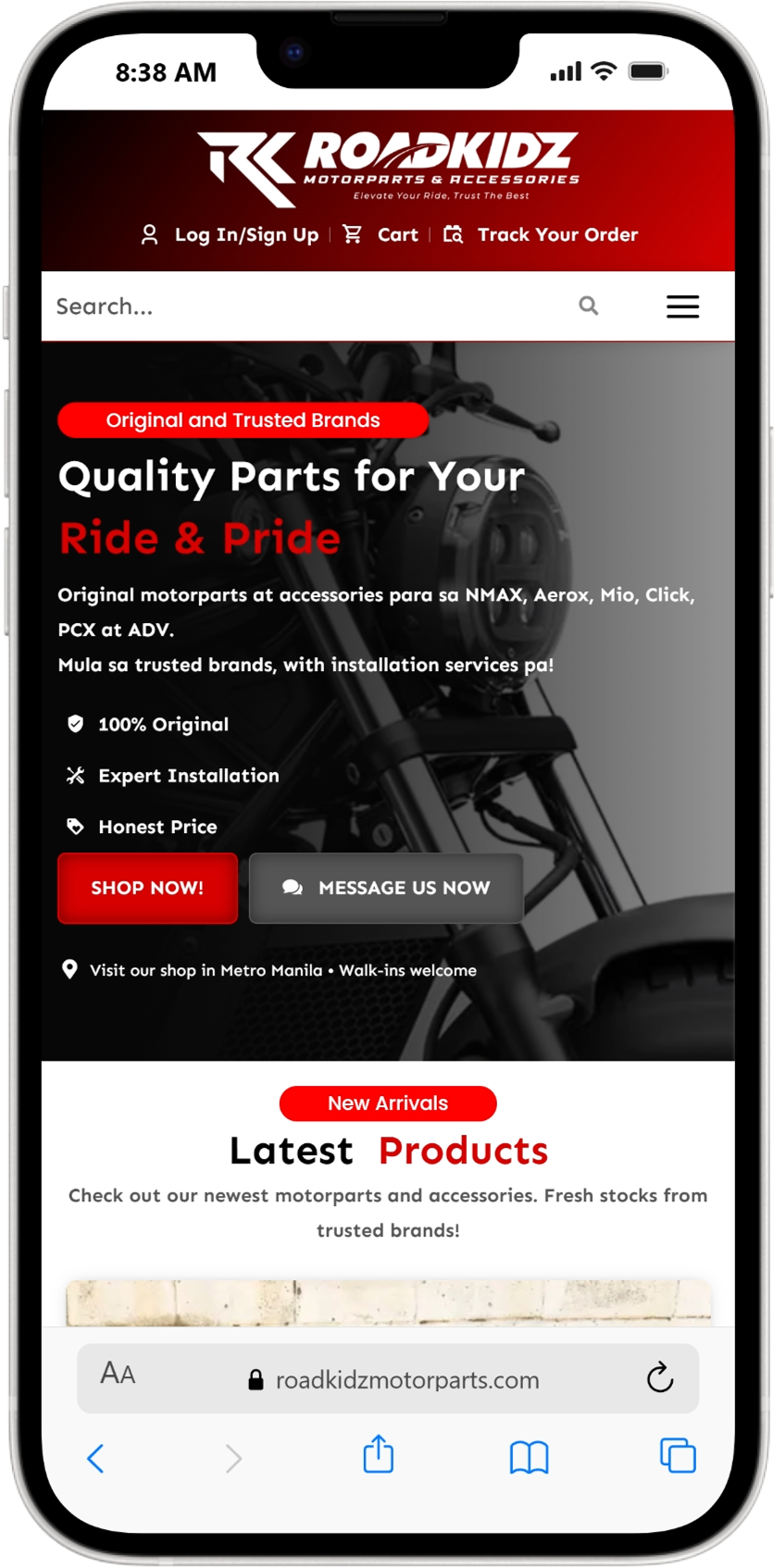
Open Safari
Go to the website
Tap the Share Button
Select “Add to Home Screen”
Scroll down the options and tap: Add to Home Screen
Name the app
You will see a preview like: RoadKidz Motorparts
Tap Add in the top right.
Open the web app
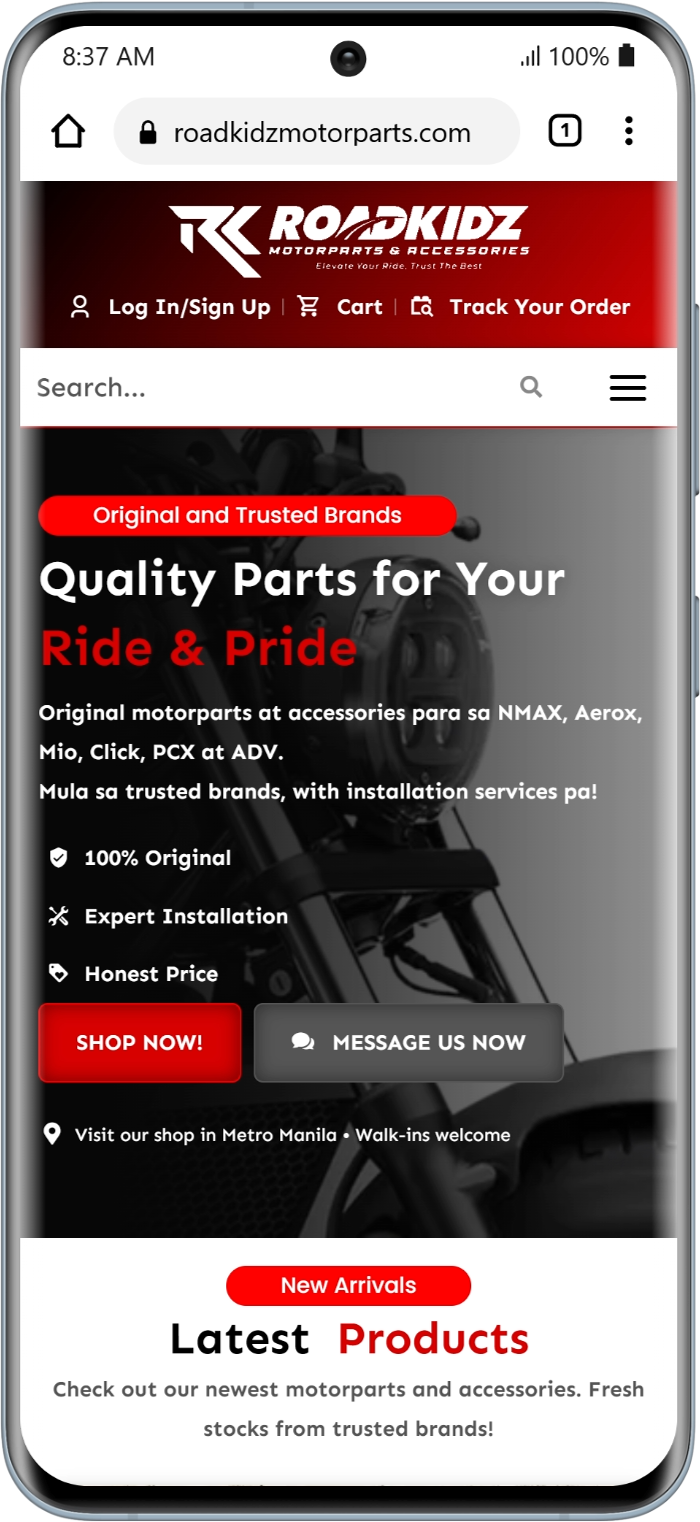
Open Google Chrome (recommended) or another browser on your Android phone.
Go to the website/web app link you want to install.
Make sure the entire page finishes loading.
Some web apps show an “Install App” popup automatically.
Tap the ⋮ (three dots) in the top-right corner of Chrome.
From the menu, tap:
Add to Home Screen
or
Install App
(Depending on the website’s configuration)
Result:You can now open the web app directly from your phone without typing the website again.