Skip to content

RoadKidz Motorparts and Accessories

  • Log In/Sign Up
  • Cart
  • Track Your Order
Menu
  • Disc
    • Disc Plate
    • Disc Bolt
    • Sensor Disc
  • Brake
    • Brake Fluid
    • Brake Fluid Bolt
    • Brake Fluid Tank
    • Brake Fluid Tank Cap
    • Brake Hose
    • Brake Hose Holder
    • Brake Lever
    • Brake Light Switch
    • Brake Pad
    • Bake Shoes
    • Brake Master
    • Brake System
  • Oil
    • Engine Oil
    • Engine Oil Bolt
    • Fork Oil
    • Gear Oil
    • Ignition Oil
  • Filter
    • Air Filter
    • Fuel Filter
    • Fuel Pump Filter
    • Oil Filter
  • Clutch
    • Clutch Bell
    • Clutch Bell Nut
    • Clutch Cable
    • Clutch Lining Assembly
    • Clutch Shoes
    • Clutch Spring
  • CVT
    • CVT Set
    • CVT System
  • Body Bolt
  • Mags
  • Battery
  • Pipe
  • Coolant
  • Seat Cover
Your cart is currently empty.

Return to shop

Original motorparts at accessories para sa lahat ng riders. Trusted brands, honest pricing, expert service.

Facebook Lni-instagram-filled Icomoon_brands-tiktok

QUICK LINKS

  • Home
  • Shop
  • Services
  • Cart
  • My Account

GET IN TOUCH

  • Metro Manila, Philippines
  • +63 912 345 6789
  • inquiries@roadkidzmotorparts.com
  • Mon - Sat: 9AM - 7PM
    Sun: 10AM - 5PM

Payment Methods

Copyright © 2026 RoadKidz Motorparts and Accessories | Powered by PH Premium Digital Marketing
  • Privacy Policy
  • Terms of Service
×

Cart

Menu
  • Home
  • Shop
  • Services
  • Cart
  • My Account
  • Contact Us
My Cart
No Products in Cart
Subtotal:
₱0.00
₱0.00
View Cart
Step-by-Step Guide

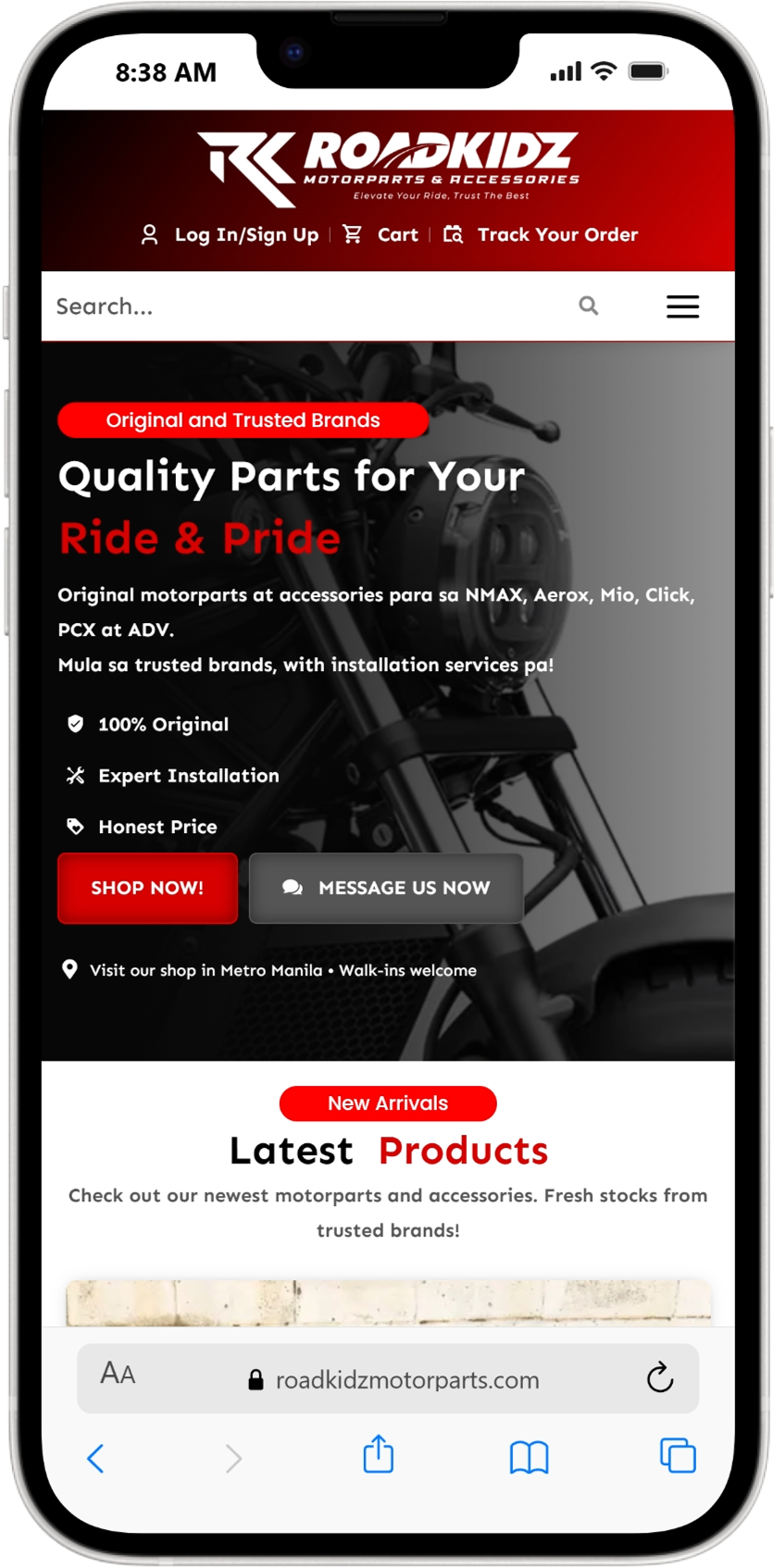
How to Install Web App on Apple

Open Safari

  • Open the Safari browser on your iPhone or iPad.

Go to the website

  • In the address bar, type: https://roadkidzmotorparts.com/

Tap the Share Button

  • At the bottom of the screen,
  • tap the Share icon
    (the square with an arrow pointing up).

Select “Add to Home Screen”

  • Scroll down the options and tap: Add to Home Screen

Name the app

  • You will see a preview like: RoadKidz Motorparts

  • Tap Add in the top right.

Open the web app

  • The RoadKidz icon will now appear on your home screen.
  • Tap it anytime to open the website like a mobile app.
Step-by-Step Guide

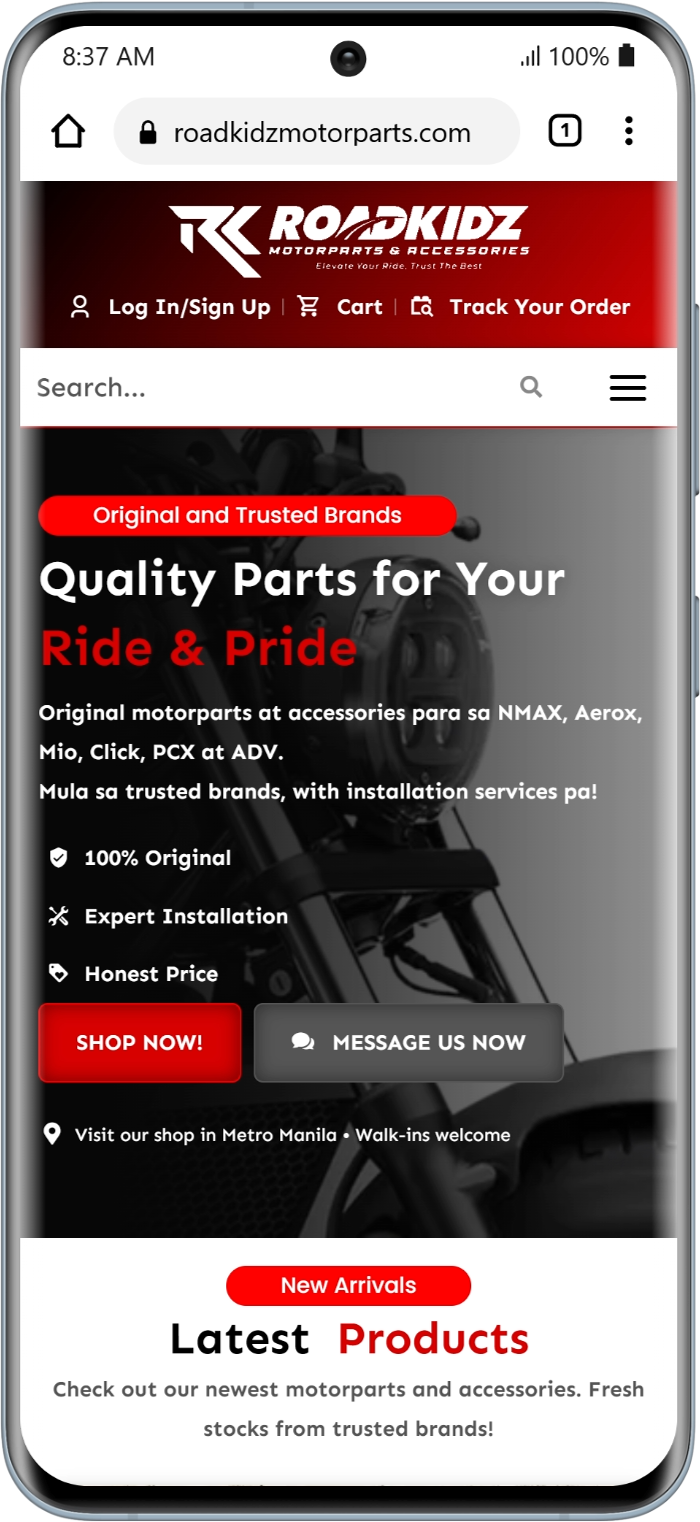
How to Install Web App on Android

Open the Web App in your browser

  • Open Google Chrome (recommended) or another browser on your Android phone.

  • Go to the website/web app link you want to install.

Wait for the website to fully load

  • Make sure the entire page finishes loading.

  • Some web apps show an “Install App” popup automatically.

Tap the Browser Menu

  • Tap the ⋮ (three dots) in the top-right corner of Chrome.

Select “Add to Home Screen”

From the menu, tap:

Add to Home Screen

or

Install App

(Depending on the website’s configuration)

Result:
You can now open the web app directly from your phone without typing the website again.